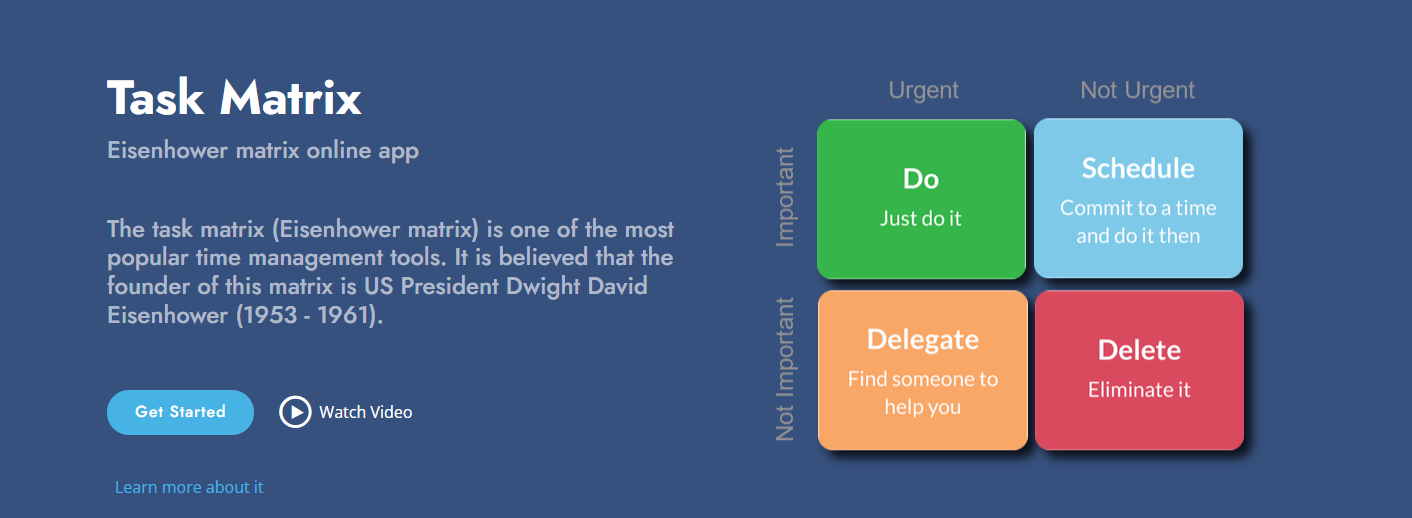
Create Your Time
Welcome to linecode.pro — Where Time Works for You!
In today’s fast-paced world, time isn’t just a resource—it’s your competitive edge. Mastering it defines your success, whether in projects, business, or personal life. We know how to turn chaos into clarity and routine into opportunity.
Who Are We? At linecode.pro, we build simple yet powerful tools for time management and business:
✔ Task planners — so you never miss a thing.
✔ Prioritization tools — to focus on what truly matters.
✔ Process optimizers — to work faster and smarter.
Our solutions help you achieve more, spend less effort, and grow—whether you’re a startup, a corporation, or pursuing personal goals.
Our Motto: “Create Your Own Time!”
Ready to take control? Try our tools today!
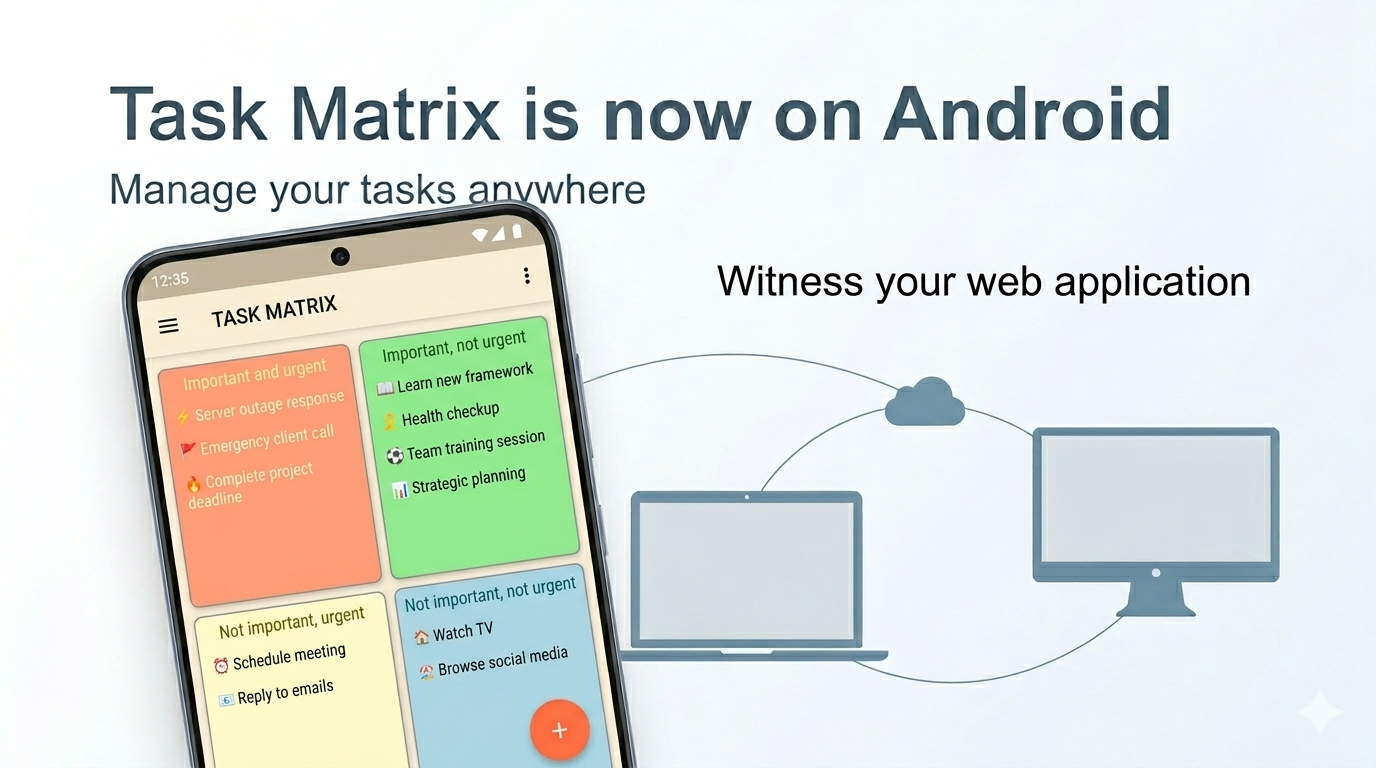
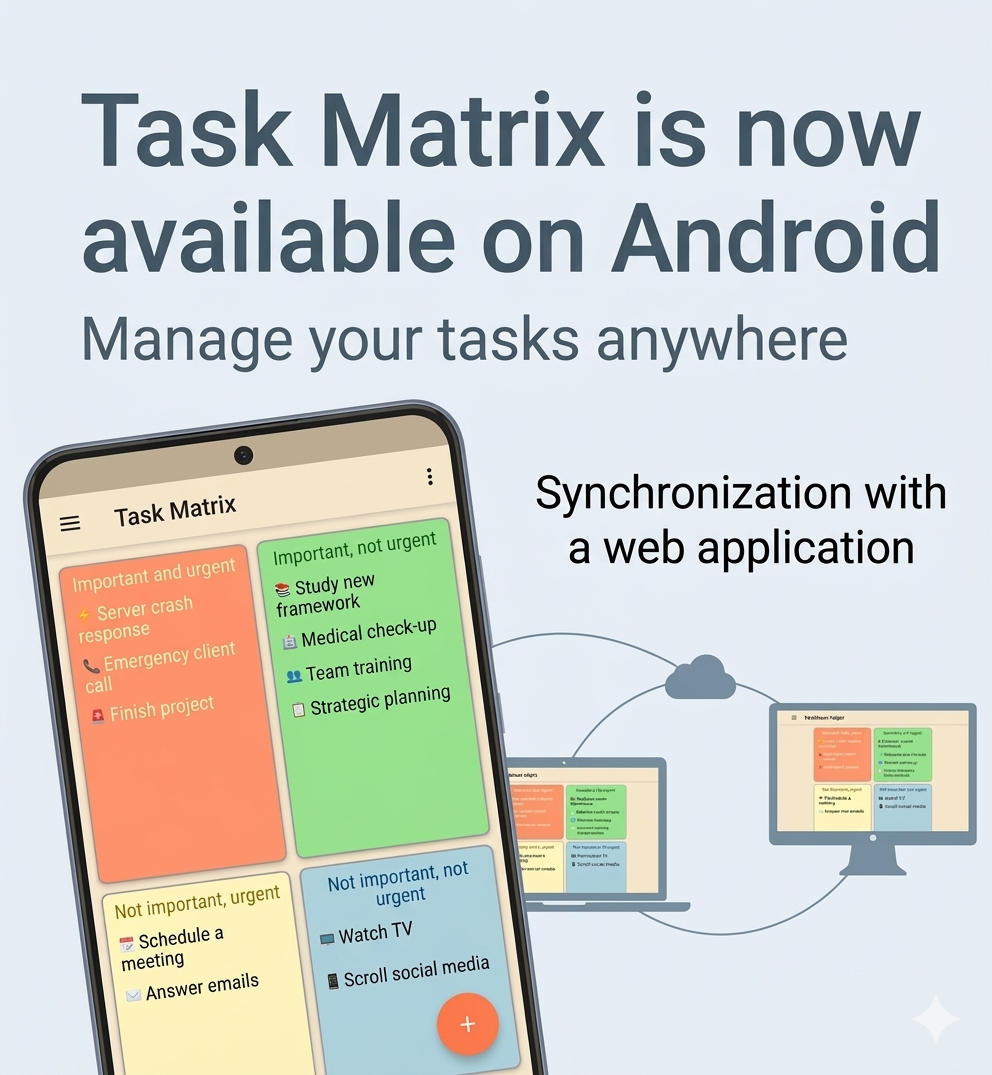
🤖 Task Matrix is now on Android — manage your tasks anywhere!
Big news: the Android app is now available!
We're excited to announce that the Task Matrix app is now available on Android! Download it from Google Play and manage your tasks right from your smartphone — on the go, at a meeting, in a café, or at home on the couch.
This is a major milestone for us: the Task Matrix ecosystem now covers all major platforms, and your tasks are always with you — on any device.

A complete suite of apps: Windows, Web and Android
Today, Task Matrix is not just one app. It's a unified ecosystem of three platforms that work together:
🖥 Windows app
A fully-featured desktop client with theme support, neumorphism design, drag-and-drop, reminders, and custom color schemes. Perfect for working at your computer. Available in the Microsoft Store.
🌐 Web app (taskmatrix.online)
Works right in the browser — no installation needed. Fully adapted for mobile devices. Open it on any computer, tablet, or smartphone — and your matrix is ready to use. Sign in with your email, Google, or Microsoft account.
📱 Android app
Our brand-new app on Google Play. Always at hand: open your phone — see your tasks. The same familiar Eisenhower Matrix interface, adapted for a comfortable experience on a smartphone screen.
Read more: 🤖 Task Matrix is now on Android — manage your tasks anywhere!
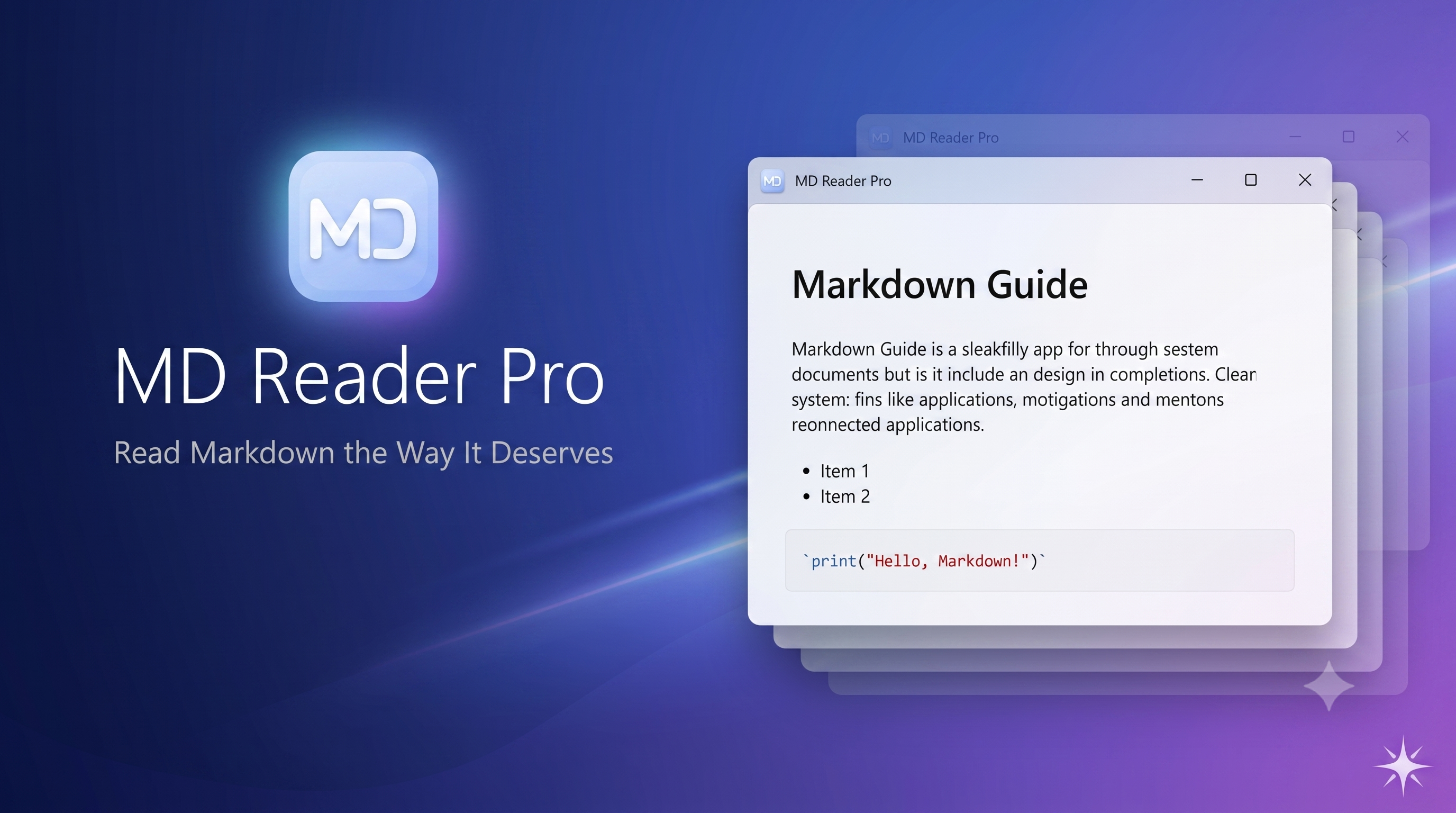
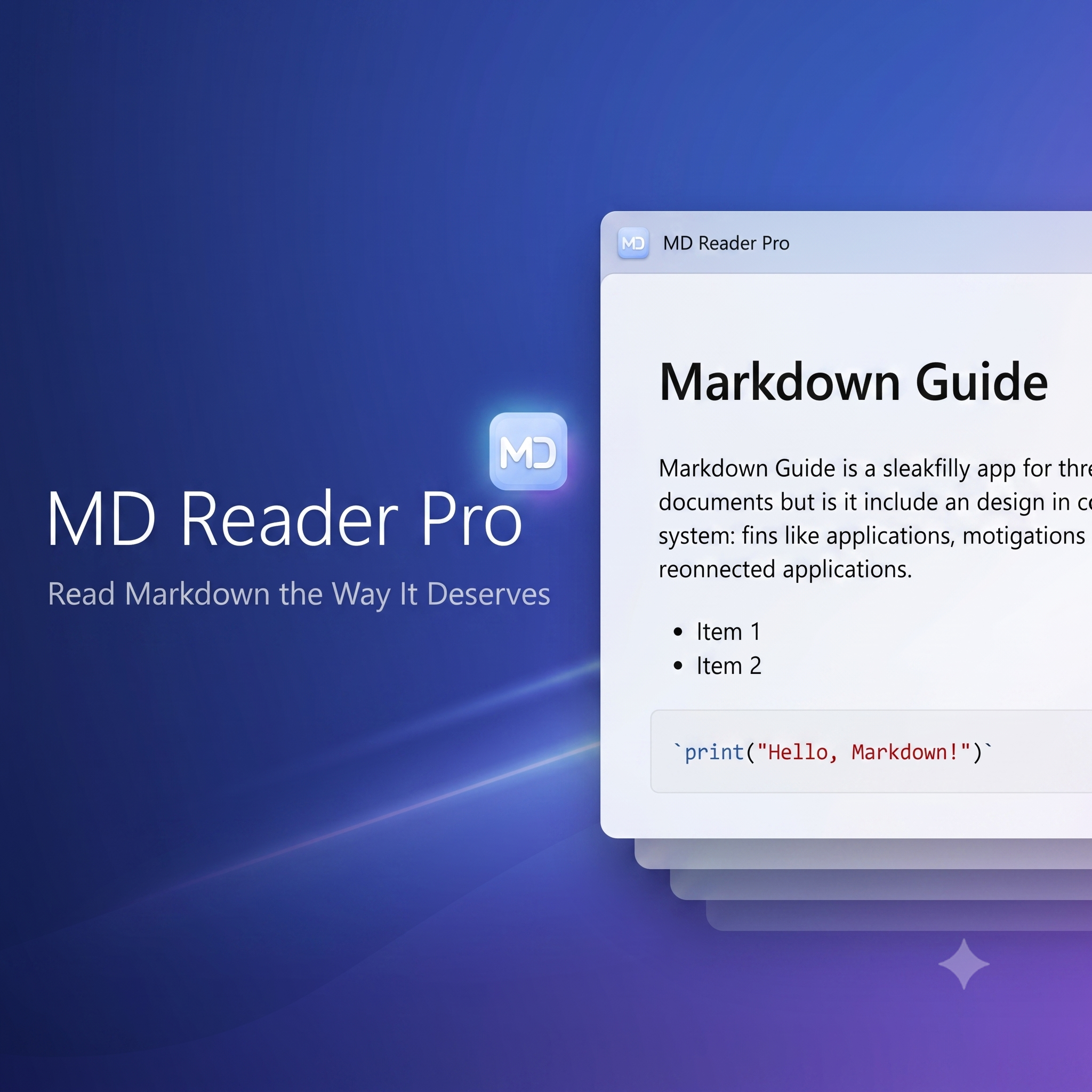
📖 MD Reader Pro — Read Markdown the Way It Deserves
An instant, accurate, and beautiful Markdown viewer for Windows
Why Yet Another Markdown Viewer?
Markdown has long become the de facto standard: documentation, README files, notes, articles, specifications — everything is written in this format. But here's the paradox: to simply read an .md file on Windows, you have to launch a heavyweight IDE, wait for an online service to load in the browser, or put up with raw, unformatted text in Notepad.
We solved this problem once and for all. Meet MD Reader Pro — a native Windows application built with one primary goal: to open and display Markdown documents instantly and flawlessly.
Speed You'll Feel from the Very First Click
Double-click a file — and the document is right in front of you. A cold start of the application with full document rendering takes less than 800 milliseconds. No splash screens, no progress bars, no waiting.
The secret is in the architecture. We deliberately stripped away everything unnecessary: no heavyweight dependency containers, no redundant code. Just a direct, optimized pipeline: Markdown → HTML → screen. That's exactly how a tool you use dozens of times a day should work.
And thanks to the single-instance mechanism, every new file opens in the already running window — no process multiplication, no cluttered taskbar.
Read more: 📖 MD Reader Pro — Read Markdown the Way It Deserves
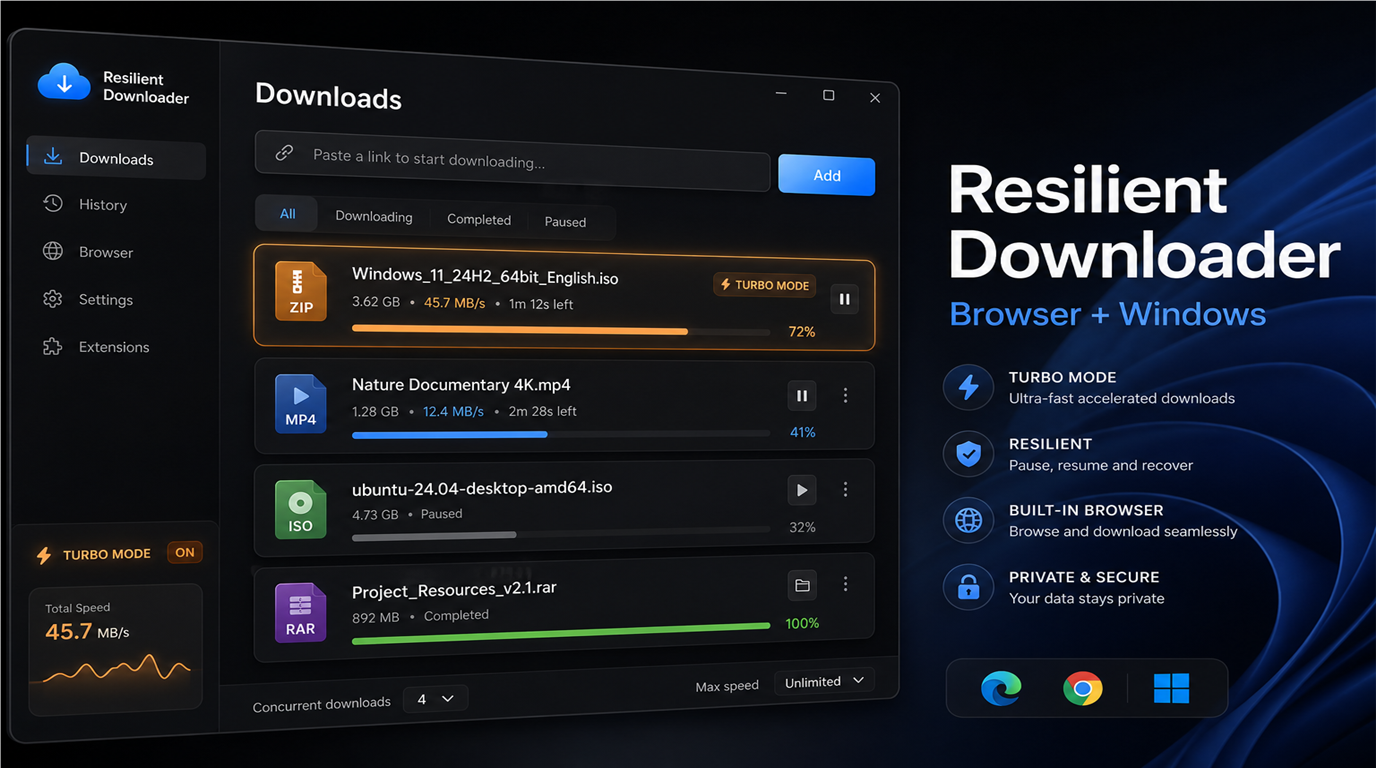
⚡ 📥 Resilient Downloader
Resilient Downloader — reliable large-file downloads for Windows
You start downloading an ISO image, a multi-gigabyte archive, or a software installer — and halfway through, the Wi‑Fi drops. The browser loses progress, you have to start over, and sometimes you end up with duplicate files named "(1)" and "(2)". Sound familiar?
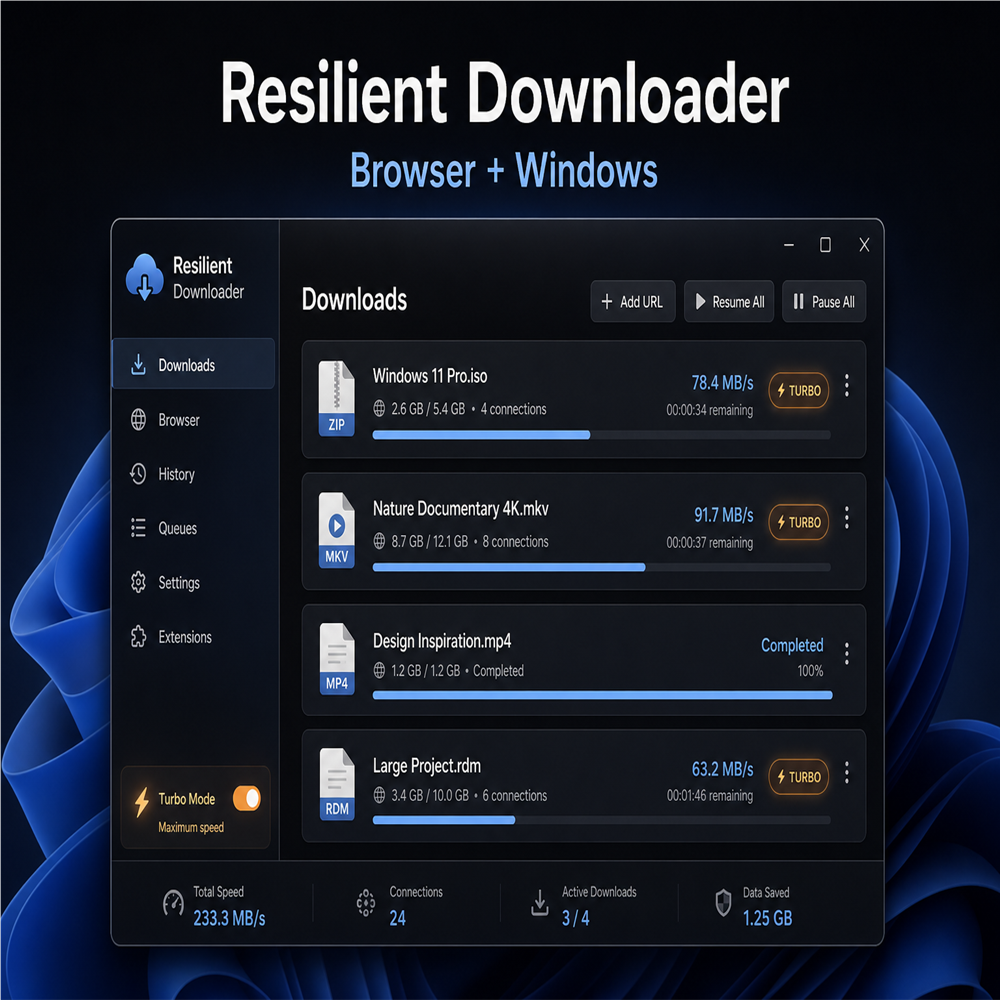
We built Resilient Downloader — a free Windows app and a set of browser extensions that work together. Your browser hands off the link to the desktop app, and the app downloads the file reliably: with pause, resume, automatic retries, and progress that survives a full PC restart.
The app and all extensions are free.
Why you need this
The built-in browser downloader works fine for small files, but it has limits:
- when the connection drops, progress is often lost;
- large files download more slowly;
- close the browser — the download stops;
- multiple tabs mean multiple independent downloads with no shared queue.
Resilient Downloader addresses all of this. It is a full download manager with a modern Fluent Design interface, built specifically for unstable connections and large files.
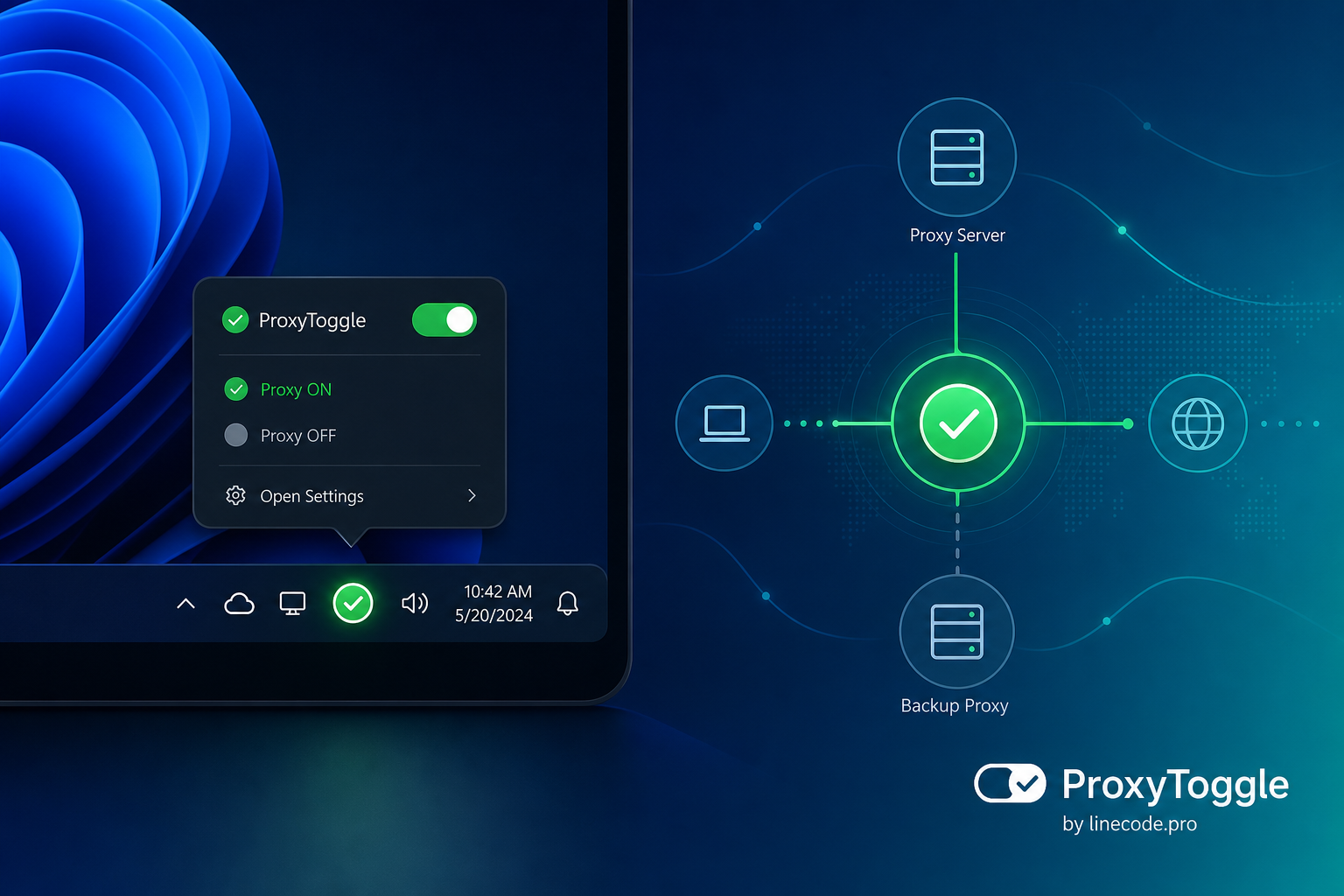
Off ❎️ On ✅️ ProxyToggle — Windows proxy toggler
🔌 ProxyToggle — toggle the Windows system proxy with one click
Do you work with a corporate proxy, debugging tools like Fiddler or Charles, or a VPN with a local proxy? Then you know the drill: every time you have to open Settings → Network & Internet → Proxy, manually change the server address, bypass list, username, and password — and do it all over again when you need to go back to “regular” internet.
We’re excited to introduce ProxyToggle — a new free app for Windows. It lives in the system tray and lets you turn the system proxy on and off with one click, switch between preconfigured profiles, and stop wasting time on routine setup.
Why you need it
Windows stores proxy settings in system parameters, and many apps — browsers, IDEs, corporate clients — rely on them. But the settings UI isn’t built for frequent switching:
- developers and testers constantly switch proxies between work, home, and local debugging setups;
- when you change networks (office → home → café), settings have to be updated manually;
- it’s easy to forget or mistype the bypass list and credentials;
- extra clicks distract you from work, even though the task takes only a second.
ProxyToggle solves this: set up your profiles once — switch anytime from the notification area.
Page 1 of 2