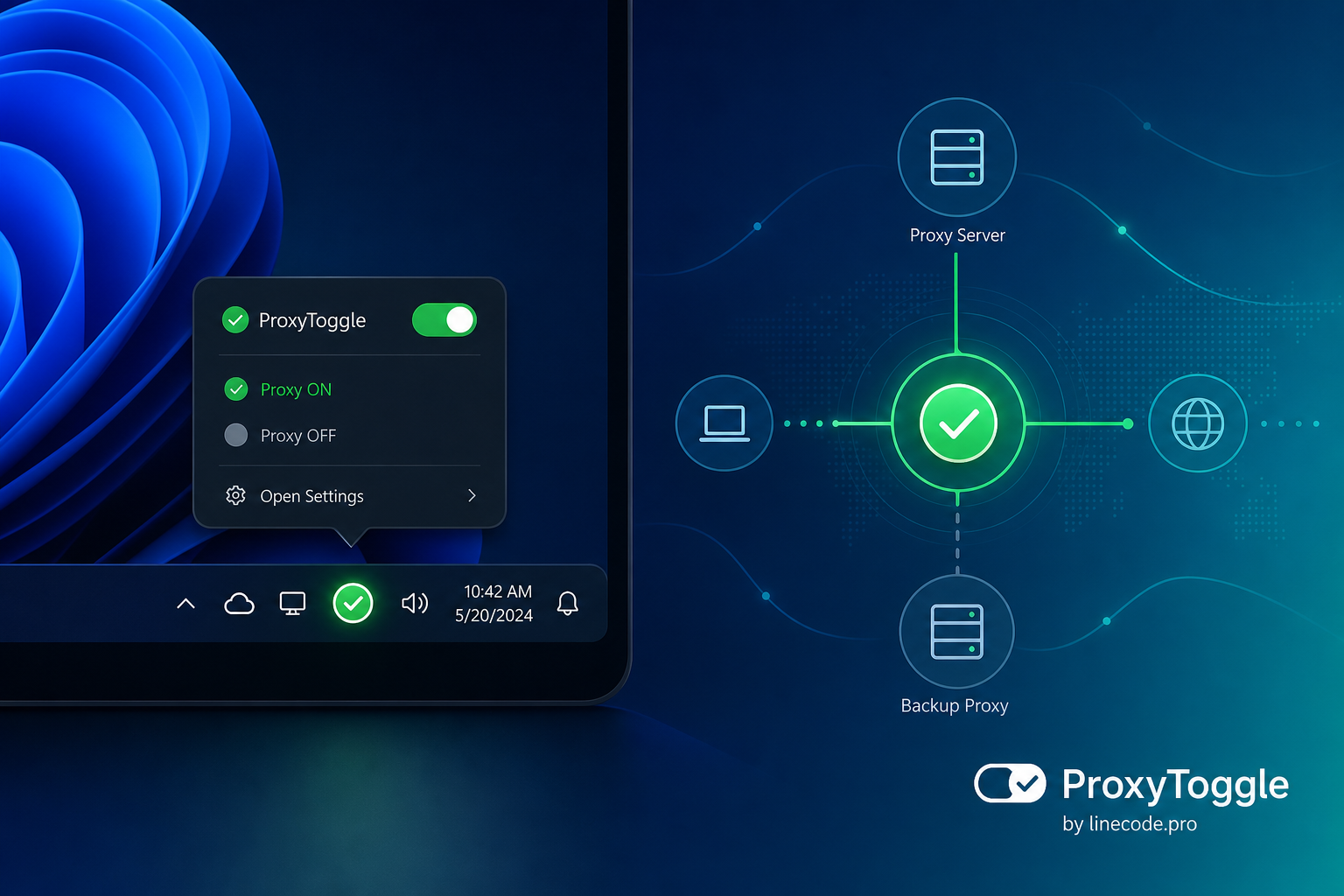
🔌 ProxyToggle — toggle the Windows system proxy with one click
Do you work with a corporate proxy, debugging tools like Fiddler or Charles, or a VPN with a local proxy? Then you know the drill: every time you have to open Settings → Network & Internet → Proxy, manually change the server address, bypass list, username, and password — and do it all over again when you need to go back to “regular” internet.
We’re excited to introduce ProxyToggle — a new free app for Windows. It lives in the system tray and lets you turn the system proxy on and off with one click, switch between preconfigured profiles, and stop wasting time on routine setup.
Why you need it
Windows stores proxy settings in system parameters, and many apps — browsers, IDEs, corporate clients — rely on them. But the settings UI isn’t built for frequent switching:
- developers and testers constantly switch proxies between work, home, and local debugging setups;
- when you change networks (office → home → café), settings have to be updated manually;
- it’s easy to forget or mistype the bypass list and credentials;
- extra clicks distract you from work, even though the task takes only a second.
ProxyToggle solves this: set up your profiles once — switch anytime from the notification area.
Key features
- One-click proxy toggle — a left click on the tray icon turns the system proxy on or off for the current profile.
- Multiple named profiles — home, work, local debugging, “no proxy” mode, and any other preset you need.
- Quick profile switching — choose from the context menu to instantly apply server address, bypass list, and credentials.
- Bypass list (ProxyOverride) — support for patterns like
local;10.*;*.corp.local. - Proxy authentication — username and password are saved in Windows Credential Manager.
- Clear tray icon — green circle (proxy on) or gray ring with a cross (off).
- Launch at Windows startup — optional, so the utility is ready right after boot.
- Russian and English UI — language is detected automatically and can be changed in settings.
- Lightweight and unobtrusive — after launch, the app doesn’t open a main window; only the tray icon remains.
Who it’s for
ProxyToggle is built for anyone who regularly works with the Windows system proxy:
- developers and testers using local proxy tools;
- employees behind a corporate proxy server;
- remote workers switching between home and work networks;
- anyone tired of opening system settings every time.
How it works
After launch, ProxyToggle shows the actual system proxy state in the tray — the app does not change settings on startup. When you switch profiles or turn the proxy on/off, settings are written to the Windows registry and applied immediately: browsers and other apps pick up the changes without restarting your PC.
You can edit profiles in the settings window — add, change, or remove parameter sets.
Download free from the Microsoft Store
ProxyToggle is already available in the Microsoft Store for Windows 11. The app is free.

Open the app page in the Microsoft Store
Get started now
- Install ProxyToggle from the Microsoft Store.
- Launch the app — an icon will appear in the notification area.
- Open settings and create profiles for your scenarios.
- Toggle the proxy with one click — and get back to work.
Less routine in settings — more time for what really matters.
The linecode.pro team — “Create your own time!”