Создай своё время
Добро пожаловать на linecode.pro — где время работает на вас!
В современном мире время — это не просто ресурс, а ваше конкурентное преимущество. Умение им управлять определяет успех: в проектах, бизнесе и личной жизни. Мы знаем, как превратить хаос задач в чёткий план, а рутину — в возможности.
Кто мы? Команда linecode.pro создаёт простые, но мощные инструменты для тайм-менеджмента и бизнеса:
✔ Планировщики задач — чтобы ничего не упустить.
✔ Инструменты приоритизации — чтобы фокусироваться на главном.
✔ Оптимизаторы процессов — чтобы работать быстрее и эффективнее.
Наши решения помогают делать больше, тратить меньше усилий и расти — будь то стартап, корпорация или личные цели.
Наш девиз: «Создай своё время сам!»
Готовы начать? Попробуйте наши инструменты уже сегодня!
Команда linecode.pro
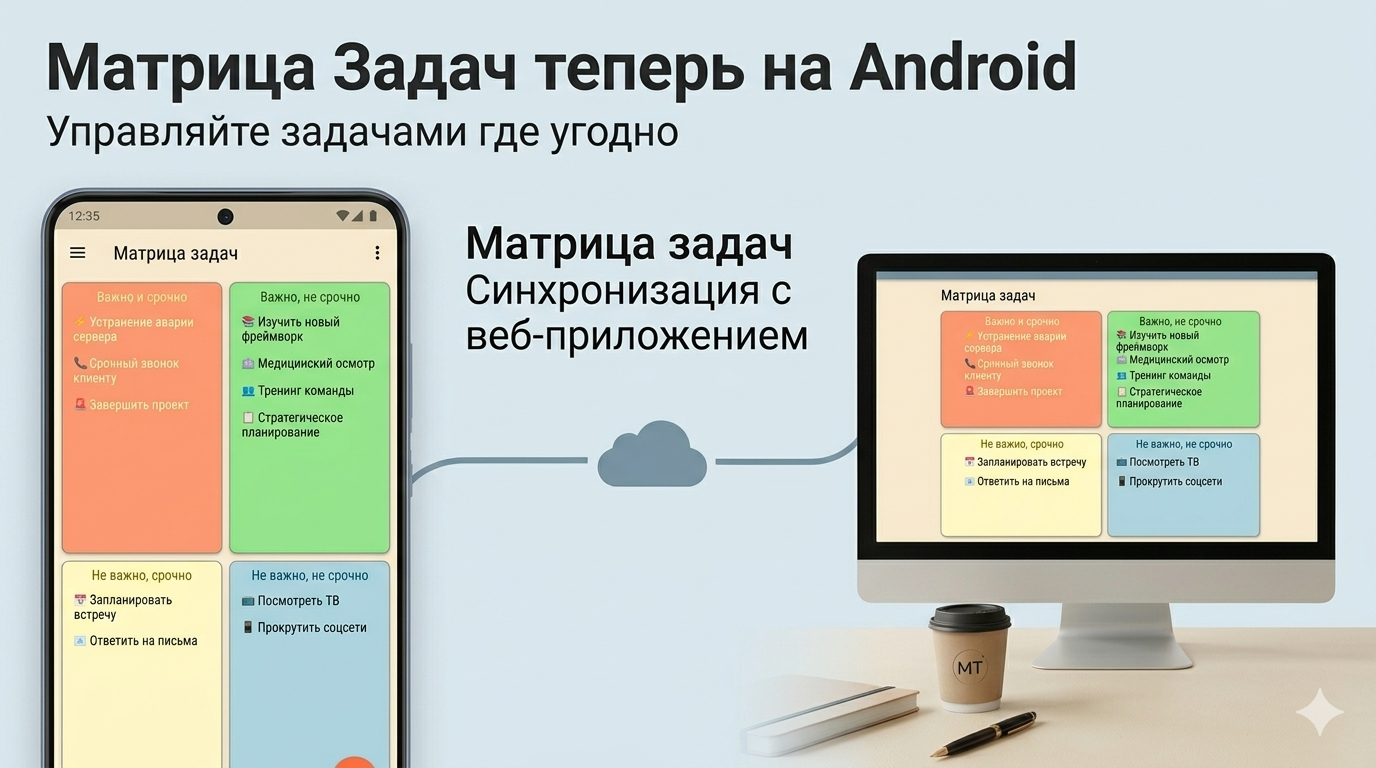
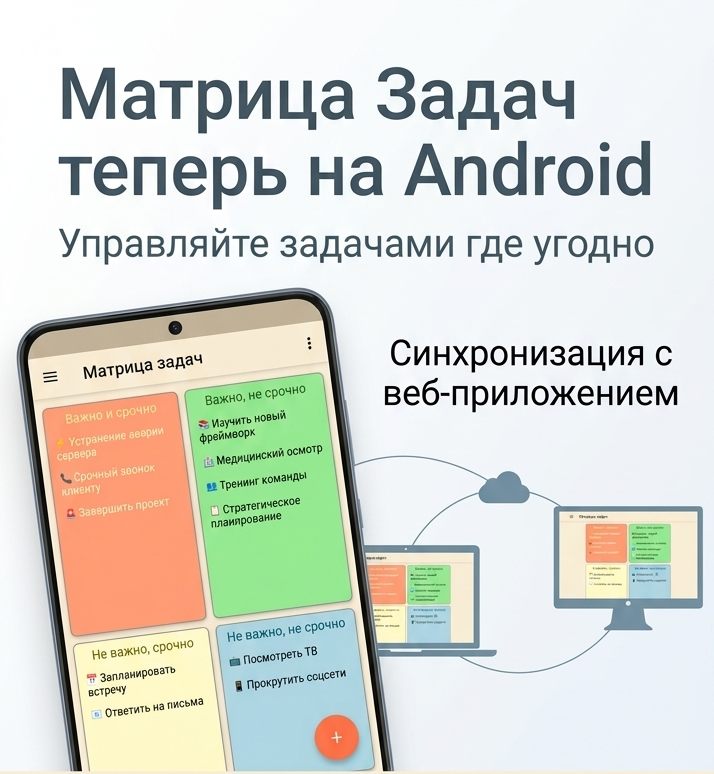
🤖 Матрица задач теперь на Android — управляйте делами где угодно!
Большое событие: Android-приложение уже доступно!
Мы рады сообщить об отличной новости — приложение «Матрица задач» теперь доступно на Android! Скачайте его в Google Play и управляйте своими задачами прямо со смартфона — в дороге, на встрече, в кафе или дома на диване.
Это событие стало важным шагом для нас: теперь экосистема «Матрица задач» охватывает все основные платформы, и ваши задачи всегда с вами — на любом устройстве.

Полный комплекс приложений: Windows, Web и Android
Сегодня «Матрица задач» — это не просто одно приложение. Это единая экосистема из трёх платформ, которые работают вместе:
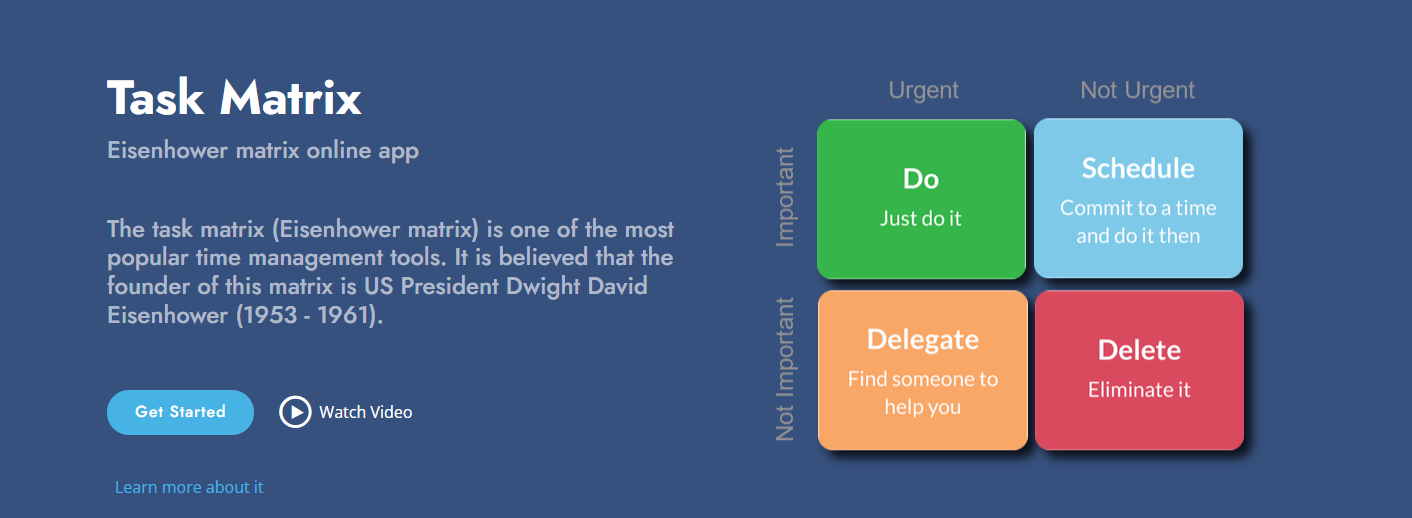
🖥 Приложение для Windows
Полнофункциональный десктопный клиент с поддержкой тем оформления, неоморфизма, drag-and-drop, напоминаний и пользовательских цветовых схем. Идеально подходит для работы за компьютером. Доступно в Microsoft Store.
🌐 Веб-приложение (taskmatrix.online)
Работает прямо в браузере — ничего устанавливать не нужно. Полностью адаптировано для мобильных устройств. Откройте на любом компьютере, планшете или смартфоне — и ваша матрица уже готова к работе. Вход через e-mail, аккаунт Google или Microsoft.
📱 Приложение для Android
Наше новое приложение в Google Play. Всегда под рукой: открыли телефон — увидели свои задачи. Тот же привычный интерфейс матрицы Эйзенхауэра, адаптированный для удобной работы на экране смартфона.
Подробнее: 🤖 Матрица задач теперь на Android — управляйте делами где угодно!
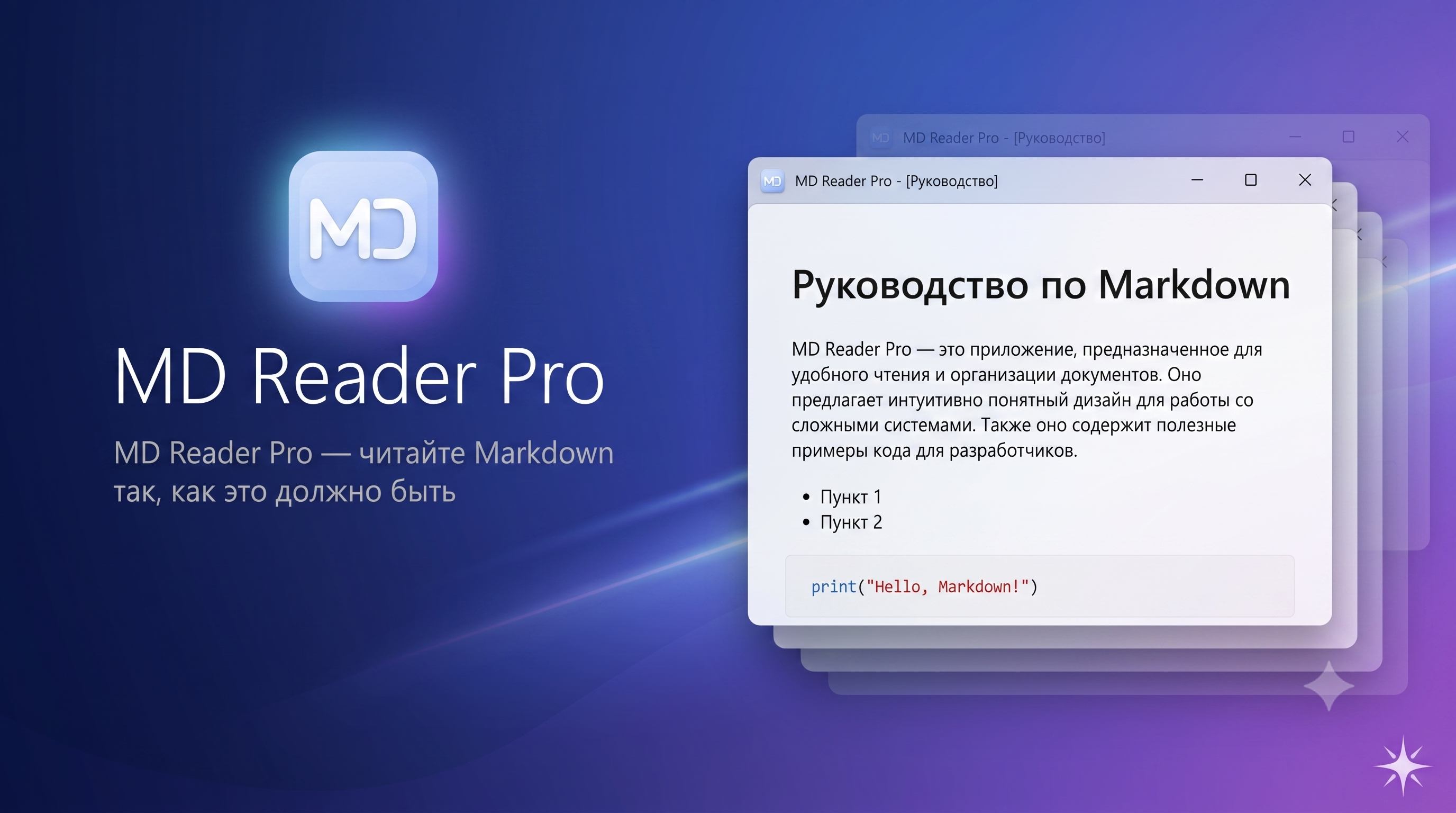
📖 MD Reader Pro — читайте Markdown так, как это должно быть
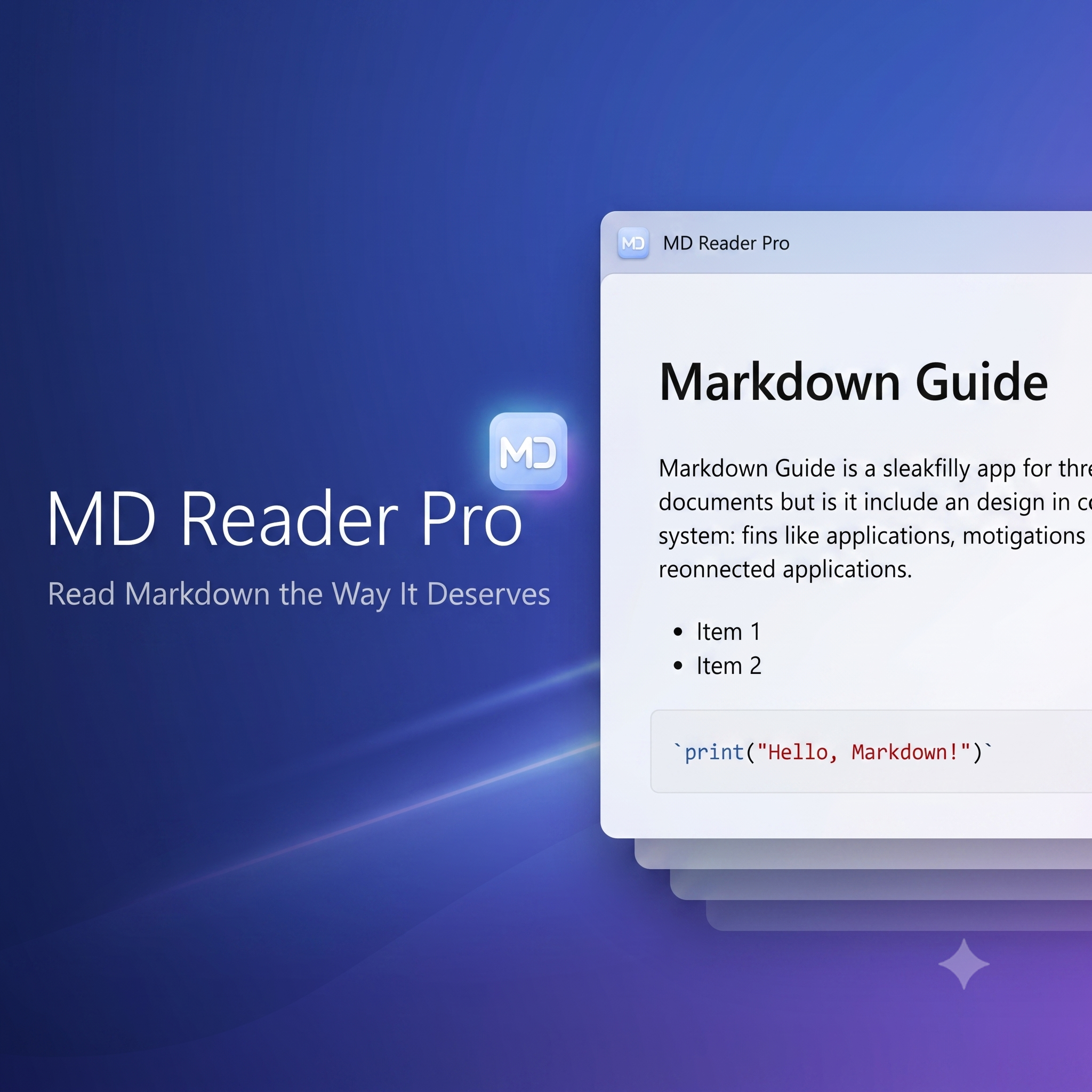
Мгновенный, точный и красивый просмотрщик Markdown-файлов для Windows
Зачем нужен ещё один просмотрщик Markdown?
Markdown давно стал стандартом де-факто: документация, README-файлы, заметки, статьи, техзадания — всё пишется в этом формате. Но вот парадокс: чтобы просто прочитать .md-файл на Windows, приходится открывать тяжёлую IDE, ждать загрузки браузерного онлайн-сервиса или мириться с «голым» текстом в блокноте.
Мы решили эту проблему раз и навсегда. Встречайте MD Reader Pro — нативное Windows-приложение, созданное с одной главной целью: открывать и отображать Markdown-документы мгновенно и безупречно.
Скорость, которую вы почувствуете с первого клика
Двойной клик по файлу — и документ уже перед вами. Холодный старт приложения с полным рендерингом документа занимает менее 800 миллисекунд. Никаких заставок, прогресс-баров и ожидания.
Секрет — в архитектуре. Мы сознательно отказались от всего лишнего: никаких тяжёлых контейнеров зависимостей, никакого избыточного кода. Только прямой, оптимизированный конвейер: Markdown → HTML → экран. Именно так и должен работать инструмент, которым пользуешься десятки раз в день.
А благодаря механизму единственного экземпляра каждый новый файл открывается в уже запущенном окне — без размножения процессов и захламления панели задач.
Подробнее: 📖 MD Reader Pro — читайте Markdown так, как это должно быть
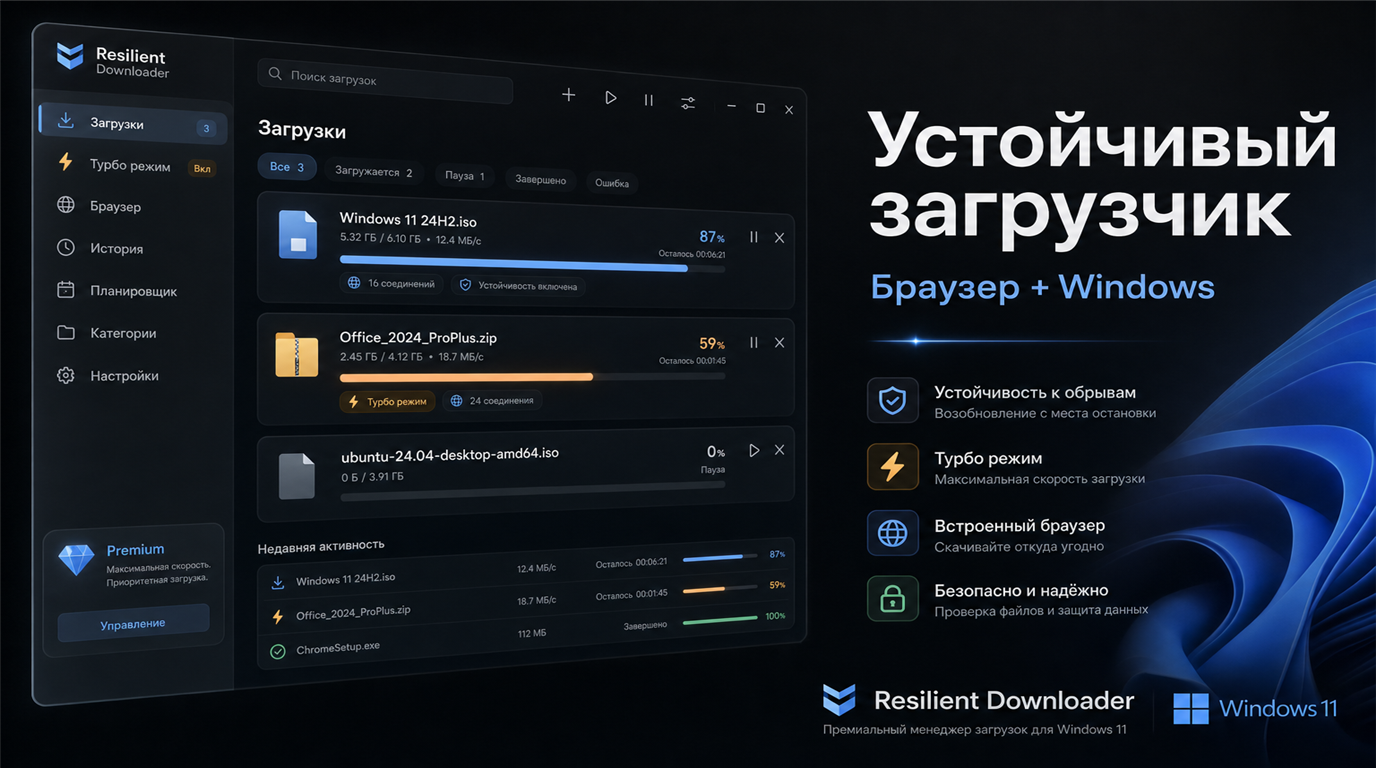
⚡ 📥 Resilient Downloader ("Устойчивый загрузчик")
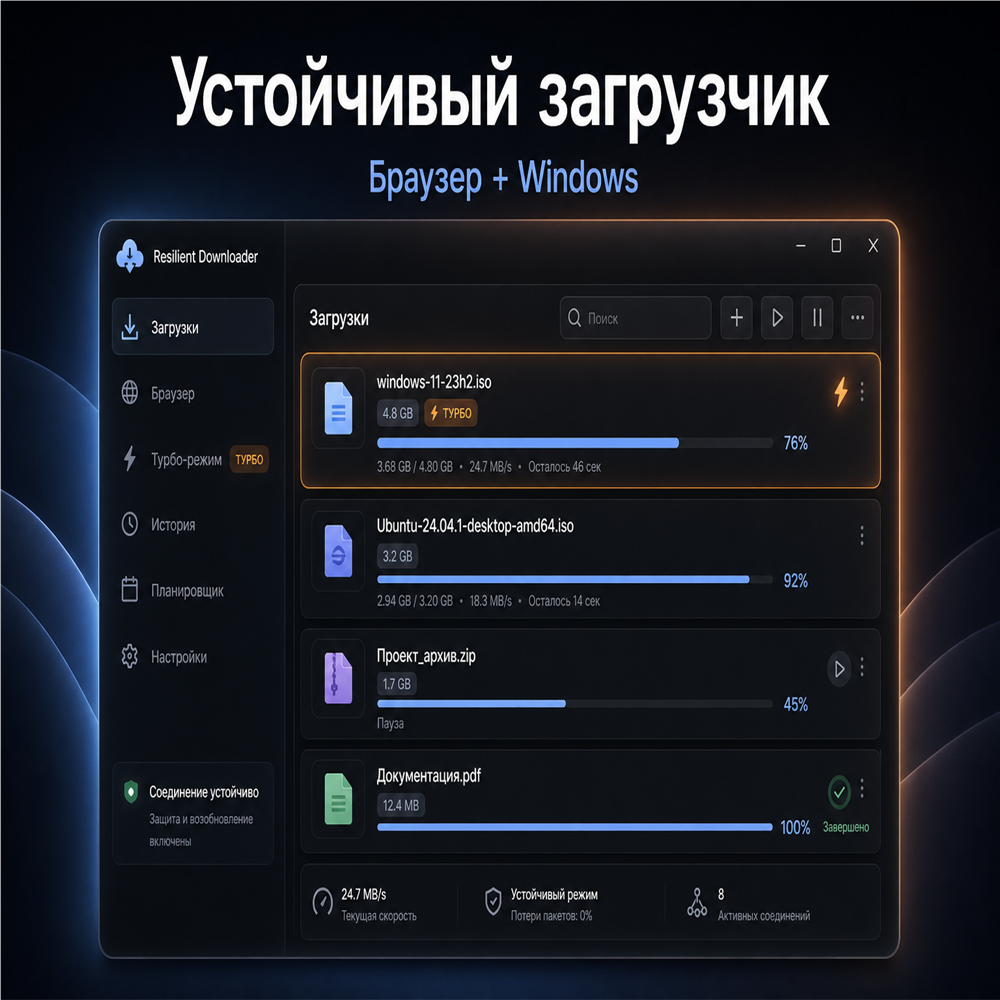
Устойчивый загрузчик — надёжные загрузки больших файлов в Windows
Скачиваете ISO-образ, архив на десятки гигабайт или дистрибутив программы — и на середине пути обрывается Wi‑Fi? Браузер теряет прогресс, файл приходится качать заново, а иногда появляются дубликаты с суффиксами «(1)» и «(2)». Знакомо?
Мы создали Устойчивый загрузчик (Resilient Downloader) — бесплатное приложение для Windows и набор расширений для браузера, которые работают вместе. Браузер передаёт ссылку в настольное приложение, а приложение загружает файл устойчиво: с паузой, возобновлением, повторными попытками и сохранением прогресса даже после перезагрузки компьютера.
Приложение и все расширения — бесплатны.
Зачем это нужно
Обычный загрузчик браузера хорош для небольших файлов, но у него есть ограничения:
- при обрыве связи прогресс часто теряется;
- большие файлы качаются медленнее;
- закрыли браузер — загрузка прервалась;
- несколько вкладок — несколько независимых загрузок без общей очереди.
Устойчивый загрузчик решает эти задачи. Это полноценный менеджер загрузок с современным интерфейсом в стиле Fluent Design, созданный специально для нестабильного интернета и больших файлов.
Подробнее: ⚡ 📥 Resilient Downloader ("Устойчивый загрузчик")
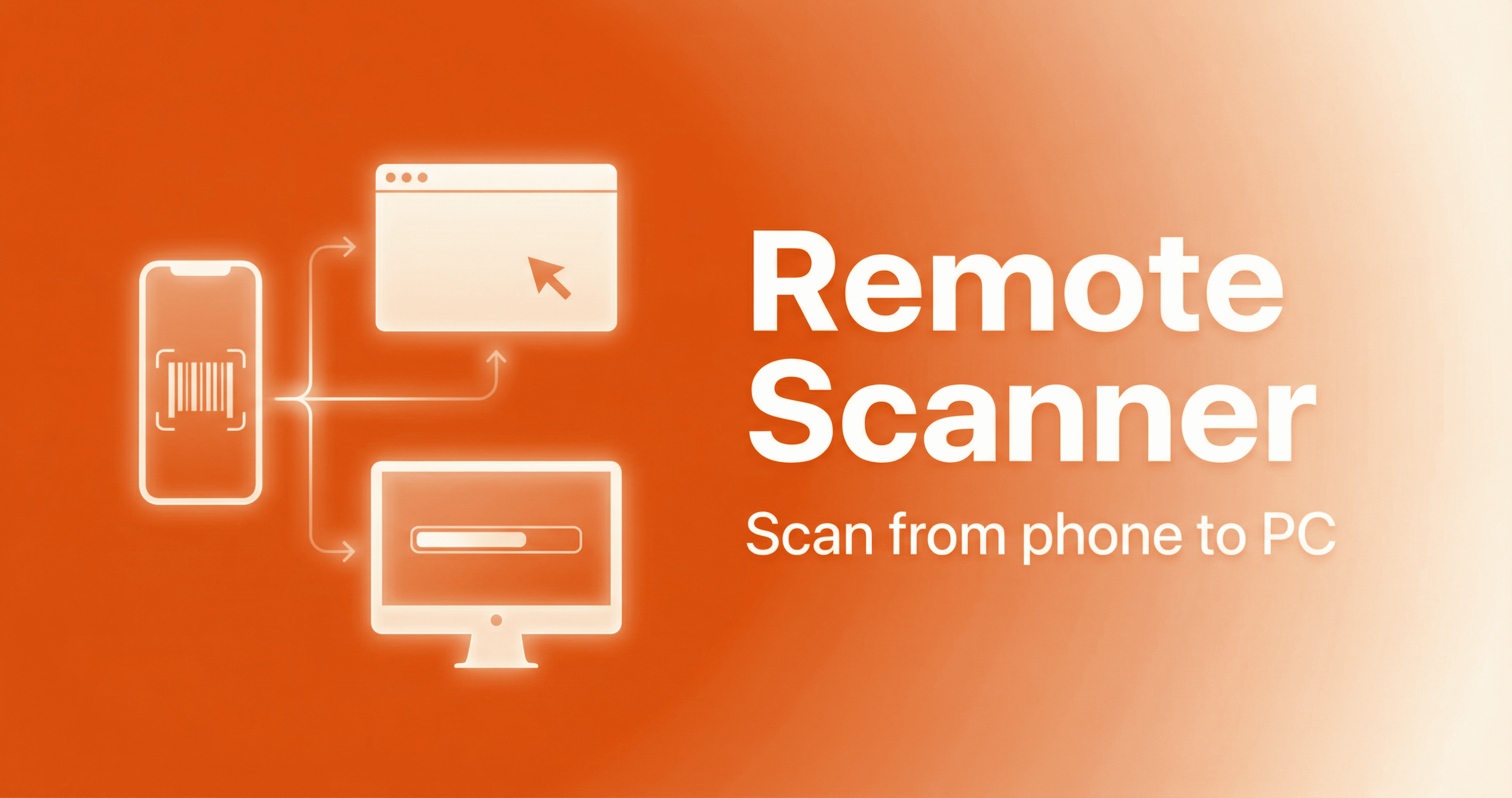
𝄃𝄂𝄀𝄁𝄃𝄂𝄂𝄃 Представляем Remote Scanner
Remote Scanner — комплекс приложений для удалённого сканирования штрихкодов
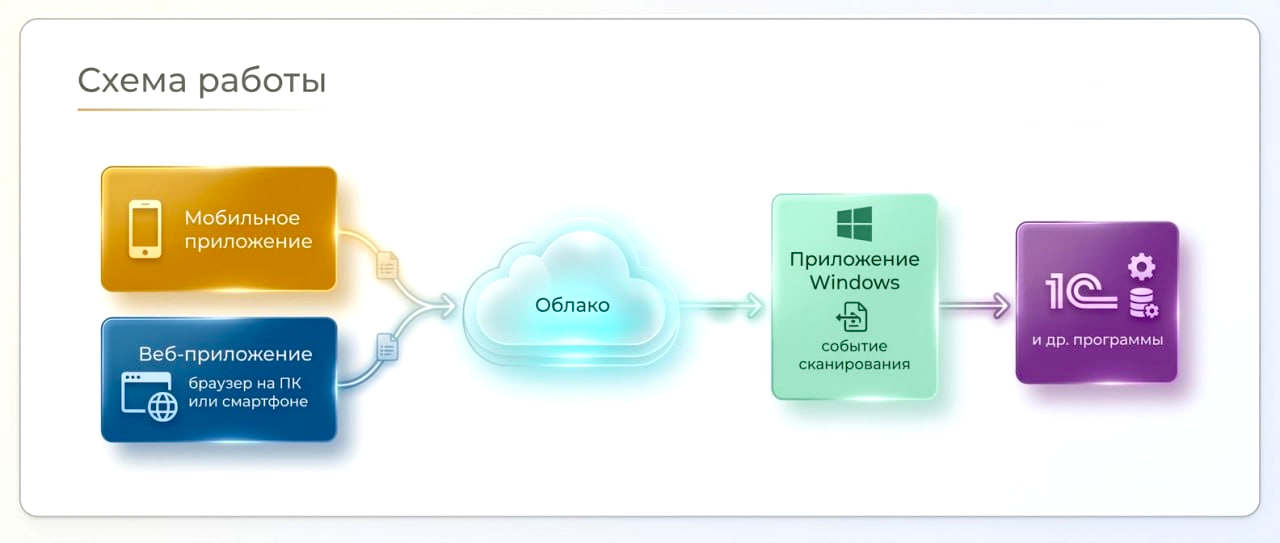
Мы рады сообщить о запуске Remote Scanner — набора приложений, которые превращают ваш смартфон или браузер в удалённый сканер штрихкодов. Отсканировали на телефоне — результат мгновенно попадает на нужный компьютер или в открытую программу (1С, учётные системы, любые формы ввода). Никакого провода и отдельного сканера.
⭐⭐⭐ Ссылка на сайт: remotescan.ru
Что входит в комплекс
- Приложение для Windows — устанавливается на ПК, куда должны приходить штрихкоды. Работает и на обычном компьютере, и на удалённом рабочем столе (RDP). Показывает уникальный идентификатор и QR-код для быстрой настройки.
- Мобильное приложение для Android — быстрое сканирование с камеры, ввод идентификатора или считывание QR из программы Windows. Удобно для склада, инвентаризации и маркировки.
- Веб-сканер — работает в браузере на ПК или на смартфоне. Не требует установки: открыли страницу, указали идентификатор и сканируете.
Для кого это
Складские работники и кассиры, которые хотят обойтись без отдельного сканера. Сотрудники на инвентаризации и маркировке в 1С — несколько человек могут одновременно сканировать штрихкоды в одну форму. Разработчики, которым нужно эмулировать сканер при отладке своих приложений. И любой, кому нужно быстро передать штрихкод с телефона в программу на компьютере.
Как начать
Скачайте программу для Windows с сайта, установите на ПК (или на RDP-сервер). Установите мобильное приложение на Android или откройте веб-сканер в браузере. Укажите один и тот же идентификатор — можно отсканировать QR-код из программы Windows. Дальше просто сканируйте: данные будут уходить на выбранный ПК и в активное окно (при необходимости настраивается драйвер 1С для сканеров).
Всё бесплатно, без регистрации и СМС. Мы не собираем и не храним персональные данные — подробности в политике конфиденциальности.
Подробнее на: remotescan.ru
Страница 1 из 2