Task Matrix — Eisenhower matrix online app in the browser and on Windows
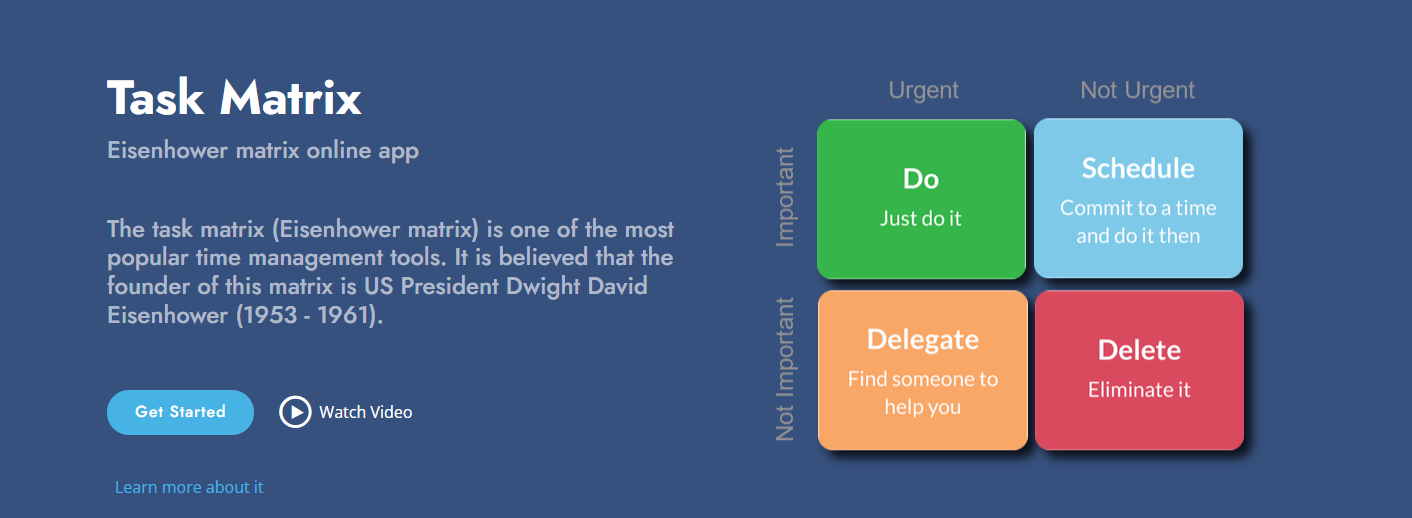
The Eisenhower matrix is one of the most popular time management tools. It is believed that its originator was US President Dwight David Eisenhower (1953–1961). The idea is simple: divide tasks along two axes — importance and urgency — and get four quadrants with different action strategies. The Task Matrix service brings this method to the web: you work with the matrix in your browser and, when needed, in the same account in the Windows app.
⭐⭐⭐ Link to site:
"Task Matrix (online)"
What is Task Matrix
Task Matrix is a web app for the Eisenhower matrix (priority matrix) at taskmatrix.online. Sign in with your e-mail or with a Microsoft or Google account; data is stored in the cloud and tied to your account. One sign-in is enough to use both the website and the desktop app “Task Matrix” for Windows with the same tasks.
Four quadrants: how the matrix works
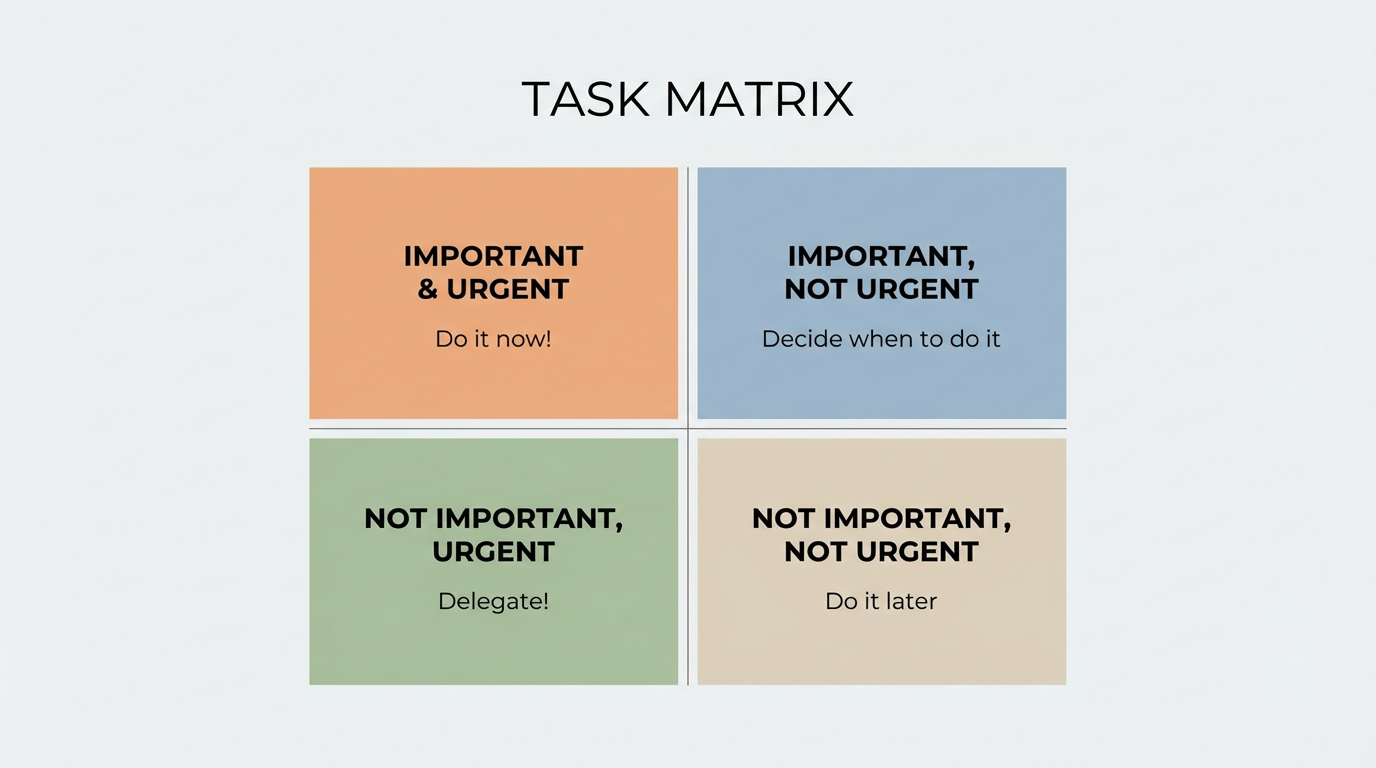
The interface is built around four quadrants. Each has its own purpose and a short motto:
| Quadrant | Purpose | Motto |
| Important and urgent | Do first | Do it now! |
| Important but not urgent | Schedule time | Decide when to do it.. |
| Not important but urgent | Delegate if possible | Delegate! |
| Not important and not urgent | Do later or drop | Do it later/dump it! |
You can see at a glance what needs immediate action, what to schedule, and what to delegate or postpone. The visual matrix helps you stay focused and keep priorities clear.
App features
- Matrix on the home page — four quadrants with your tasks. Add a task to a quadrant or move tasks between quadrants by drag-and-drop. You can reorder tasks within each group.
- Task card — double-click to open the form: name, description, Important/Urgent flags, emoji..
- Full task list — a separate table view with filtering, sorting, and paging. Handy for search and bulk review.
- Settings — delete all tasks in one action (with confirmation), info on syncing with the Windows app, and support links.
- Multi-language — the interface supports several languages.
Everything runs in the browser: no install needed. Go to taskmatrix.online and sign in with your e-mail or Microsoft or Google account.
Why Task Matrix
- Simplicity — minimal setup, a clear matrix and a motto for each quadrant.
- Visual — priorities are obvious; tasks don’t get lost in a long list.
- Drag and drop — you can easily drag tasks with the mouse from one quadrant to another.
- Emoji for tasks — you can add an emoji to each task; it improves visual perception and makes it easier to scan and analyze your list at a glance.
- Responsive design — the app works well on different devices; the web app runs great in mobile browsers on smartphones.
- One account — the same tasks in the web version and the Windows app.
- Sync — changes made on the site or in the desktop app are synced to the other device via a shared backend.
Syncing with the Windows app
Tasks in Task Matrix sync with the desktop app “Task Matrix” for Windows — same app, same service, same data. You can plan in the browser at taskmatrix.online and continue in the app on your PC, or the other way around.
Download the “Task Matrix” app from Microsoft Store:
Open in Microsoft Store
If you’re not on Windows, you can use the app’s web page: Task Matrix on Microsoft Store.
Get started today
Task Matrix helps you keep tasks in order without extra complexity: the Eisenhower matrix in the browser and in the Windows app with shared sync. Try the web version at taskmatrix.online and install “Task Matrix” from Microsoft Store if you need the desktop app.
For product and partnership: linecode.pro. App support: