An instant, accurate, and beautiful Markdown viewer for Windows
Why Yet Another Markdown Viewer?
Markdown has long become the de facto standard: documentation, README files, notes, articles, specifications — everything is written in this format. But here's the paradox: to simply read an .md file on Windows, you have to launch a heavyweight IDE, wait for an online service to load in the browser, or put up with raw, unformatted text in Notepad.
We solved this problem once and for all. Meet MD Reader Pro — a native Windows application built with one primary goal: to open and display Markdown documents instantly and flawlessly.
Speed You'll Feel from the Very First Click
Double-click a file — and the document is right in front of you. A cold start of the application with full document rendering takes less than 800 milliseconds. No splash screens, no progress bars, no waiting.
The secret is in the architecture. We deliberately stripped away everything unnecessary: no heavyweight dependency containers, no redundant code. Just a direct, optimized pipeline: Markdown → HTML → screen. That's exactly how a tool you use dozens of times a day should work.
And thanks to the single-instance mechanism, every new file opens in the already running window — no process multiplication, no cluttered taskbar.
Flawless Rendering Accuracy
MD Reader Pro uses one of the fastest and most complete Markdown parsers in the world, with full support for the CommonMark standard and extended syntax:
- Tables, task lists, footnotes, and blockquotes
- Code blocks with proper formatting
- Automatic links and much more
Your document will look exactly as its author intended — no surprises, no broken markup.
A Design That's Easy on the Eyes
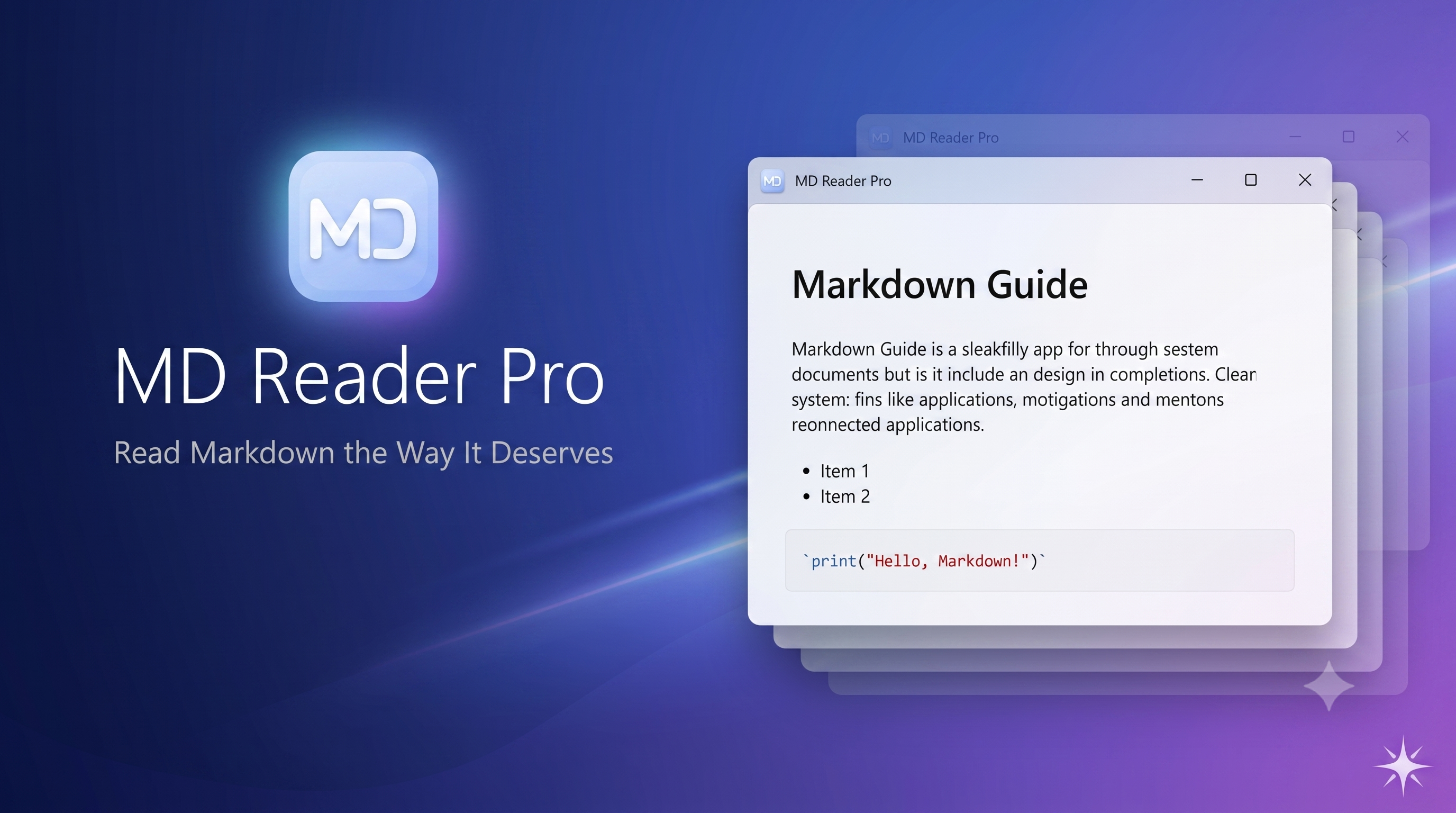
MD Reader Pro is a modern application built on WinUI 3, and it looks like a natural part of Windows 11:
- Light, dark, and system themes — the app adapts to your settings automatically
- Mica effect — a translucent background in the signature Windows 11 style
- Flexible zoom — set a comfortable text size in a single gesture
- Clean CSS typography — documents read as easily as a well-typeset book
More Than Just a Viewer
Although MD Reader Pro was designed first and foremost for reading, we've added everything you need for full-fledged document work:
- Edit mode — a split screen with live preview: edit on the left, and the result updates instantly on the right
- Export to HTML and plain text — share your document in a convenient format in just a couple of clicks
- Drag & Drop — simply drop a file into the application window
- File association — set MD Reader Pro as the default app for
.mdand.markdown, and files will open with a single tap
Lightweight and Reliable
- Runs on Windows 10 (19041+) and Windows 11
- No configuration required: install it — and use it
- Your files never leave your machine — everything works locally and privately, with no clouds and no content telemetry
Who Is MD Reader Pro For?
- Developers — quickly view README, CHANGELOG, and documentation without launching an IDE
- Technical writers — check how a document looks in its final, clean form
- Students and researchers — comfortably read notes and papers
- Anyone who keeps notes in Markdown — Obsidian vaults, journals, knowledge bases
Try It — and You Won't Go Back to Old Habits
MD Reader Pro is the case where a simple tool, done right, changes your everyday workflow. The speed of a native application, the accuracy of a professional parser, and Windows 11-grade design — all in one lightweight package.
Download MD Reader Pro today and rediscover Markdown.
Download for free
Windows app